
Reviews / Computing
Wireless mice: comfort, connection and charging without the guesswork
Grip, usable buttons and dependable connections are the practical starting points for a mouse used all day.
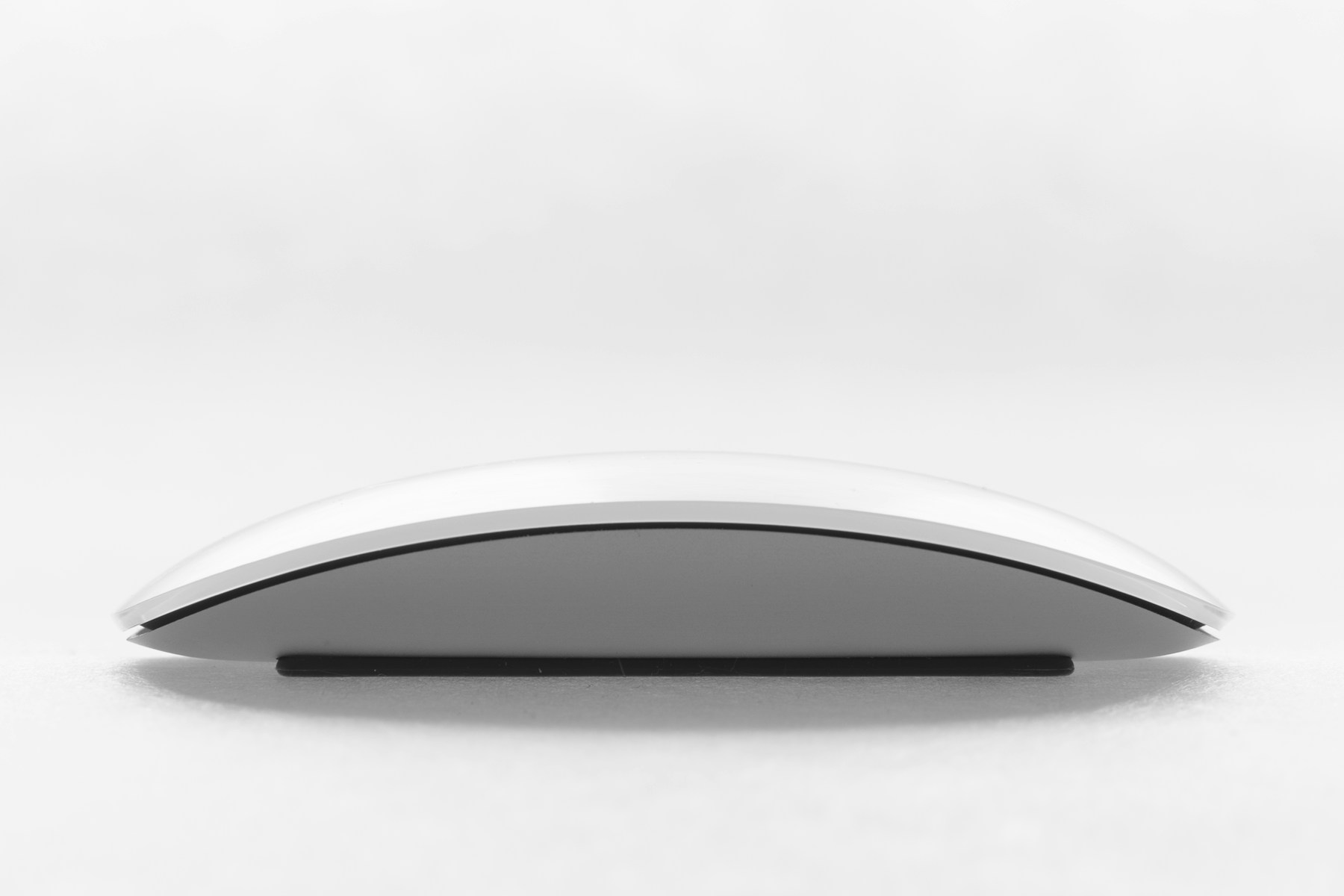
The everyday case
A wireless mouse removes a cable from the desk, but its real value depends on whether the shape and controls suit the person using it. A long specification list cannot establish comfort for a particular hand.
What matters before you buy
Compare the size, weight and position of side buttons. If you switch between computers, check the pairing method and whether a receiver is required. Bluetooth and proprietary receivers offer different setup choices; confirm that the host device and workplace policy support the arrangement you intend to use.

Living with it
Understand the battery routine before purchase. Replaceable cells, an internal rechargeable battery and operation while charging involve different compromises. Check how the sensor behaves on your intended surface using the manufacturer’s guidance, and keep an alternative connection option available if it is essential for work.
Compare the alternatives
A trackpad or trackball changes the interaction rather than simply removing a cable. A vertical mouse may suit some preferences, but should not be treated as a guaranteed solution to discomfort. If pain is an issue, seek appropriate professional advice rather than relying on marketing.
Pros
- Less cable clutter
- Some models switch between devices
- Different shapes suit different preferences
Cons
- Batteries or charging need attention
- Receivers can occupy a needed port
- Comfort cannot be inferred from a specification
Who should buy?
Desk users replacing an uncomfortable or inconvenient input device, especially those able to try the shape before committing.

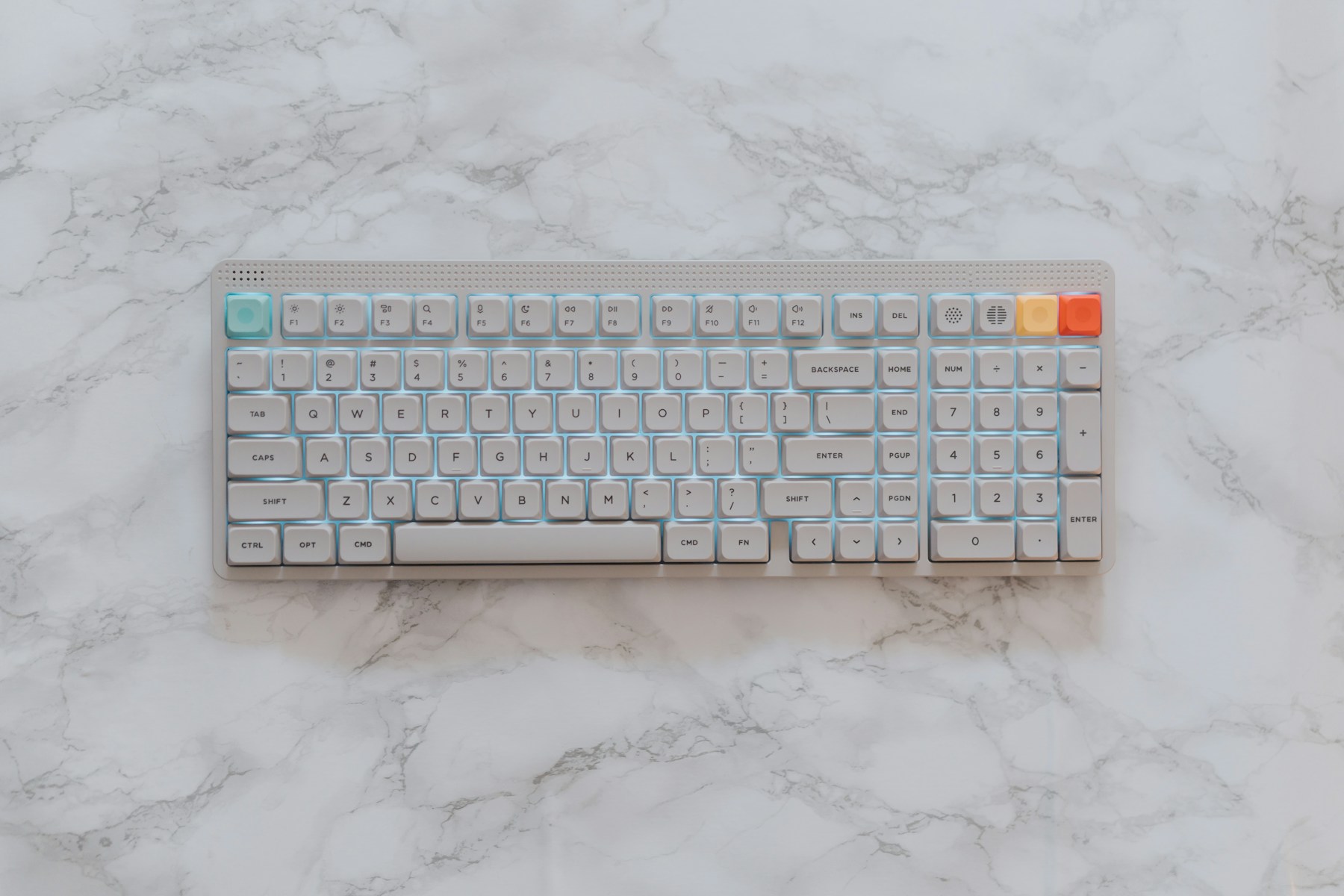
The Homgauge conclusion
Choose fit and reliable connectivity first. Extra buttons are useful only when you can reach and assign them comfortably.
Reference & buying checks
Manufacturer range, support or care information →
Reference is supplied for further checking, not as evidence that we tested every product in a range. Confirm the exact model, regional specifications, price, warranty and included accessories with the seller. No live price or discount is claimed here.